
Tekion Vehicle Scanner Integration with LumaScanner
LumaScanner's AI vehicle scans flow straight into Tekion's Automotive Retail Cloud. Here's what the integration does, what data moves, and what it saves your team.
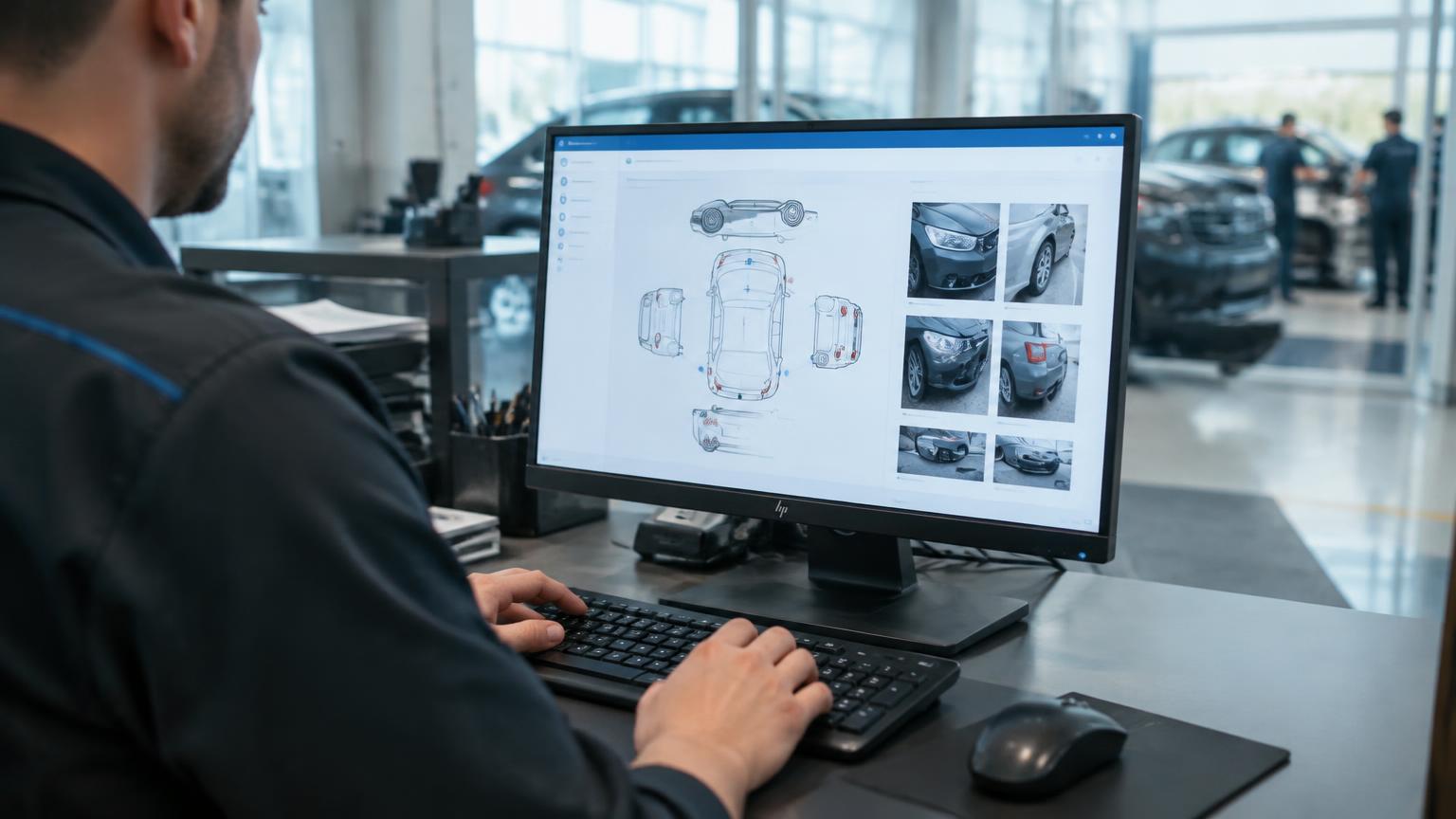
The short answer: LumaScanner integrates directly with Tekion's Automotive Retail Cloud (ARC), so the damage findings and time-stamped photos from an AI vehicle scan flow straight into the vehicle's record in Tekion — no re-keying, no separate photo folder, no reconciling two systems. The scan happens once. The result lands where your team already works.
Why the integration matters more than the scan
A good vehicle scanner is only half the job. The other half is getting what it found into the system your store actually runs on — and that's where most inspection tools quietly break down. The scan lives in one portal. The DMS lives in another. Somebody retypes the findings, or doesn't, and the photo evidence ends up in an export nobody reopens.
That gap is where the value leaks. A dent gets detected and then lost in the handoff. An appraisal waits while someone keys in condition notes by hand. The whole point of an objective, photo-backed scan is undone the moment a human has to copy it across.
So the integration isn't a nice-to-have bolted onto the scanner. It's the part that makes the scanner worth running.
What Tekion ARC is — and why it's a clean fit
Tekion's Automotive Retail Cloud (ARC) is a cloud-native dealer management system that runs sales, service, parts, and accounting on one platform instead of the stitched-together legacy stack most dealers grew up on. Because it's built cloud-native, it's designed for exactly this kind of connection — outside systems syncing vehicle and repair-order data in and out, rather than fighting an on-prem box for access.
That architecture is why LumaScanner and Tekion go together without friction. One is built to generate objective vehicle condition data. The other is built to be the single cloud record where that data belongs. The scan and the system of record speak the same language.
How the integration works
It runs in the background, which is the point. Here's the flow a store actually sees.
A vehicle passes through LumaScanner at intake. The AI detects exterior damage — dents, scratches, chips, curb rash — and captures a dated photo of each finding. That condition record is then written to the matching vehicle and repair order in Tekion ARC, so when a service advisor, used-car manager, or recon coordinator opens the vehicle in the DMS, the scan is already there: the findings, the photos, the timestamp.
No one retypes a walkaround into the RO. No one hunts for the images. The condition data syncs into the record tied to the right VIN and the right RO number, so it travels with the vehicle through recon, appraisal, and service the same way the rest of the DMS data does.
The effect is the one every DMS integration is chasing: less manual data entry, fewer reconciliation errors between systems, and a team that spends its time on the car instead of on data-matching two screens.
What dealers get out of it
Four things change once the scan and the DMS are connected.
- One source of truth per vehicle. The condition record lives on the Tekion vehicle and RO, not in a side portal — so everyone from the appraiser to the service advisor is reading the same evidence.
- No double entry. Damage findings and photos populate the record automatically. The minutes your team spent re-keying condition notes go back to the team.
- A defensible, time-stamped history. Every scan is dated and photo-backed inside the system of record, which settles the "was this damage here at intake" question without a side conversation.
- Faster handoffs through recon and service. When the condition data is already in the RO, parts, approvals, and detail can move without waiting on a manual write-up — which is time off the recon clock.
Getting set up
Because both systems are built for this, standing up the integration doesn't mean a long IT project. LumaScanner itself installs in hours — roughly a five-hour install, and about 30 days from signed contract to running — with a far lighter footprint than the heavy drive-through rigs. Connecting it to your Tekion environment is a configuration step, not a construction one. Your LumaScanner team handles the setup against your ARC instance so scans start flowing into the right records from day one.
The bottom line
An AI scan is only as useful as the place it lands. LumaScanner puts its findings and photos directly into Tekion's Automotive Retail Cloud, on the vehicle and the RO, so the condition data is where your team already works — objective, dated, and ready to act on. Scan once. Read it everywhere. Re-key nothing.